Smart Meter Displays vs Plug-In Monitors: Which Data Is Useful?
Smart Meter Displays vs Plug-In Monitors: Which Data Is Useful? should be judged from the room outward. Start with the socket, fixture, meter, radiator or desk where the device will live, then decide whether the smart feature makes that spot cleaner, safer or easier to control.
Watt Atelier treats this as a visible-home decision, not a spec-sheet race. The right answer should pass three tests: it fits the room, it stays understandable for people who do not manage the app, and it respects the electrical boundary of the product category.

Fit, control and visibility
The first pass is not brand research. It is a physical audit of meter cupboards, kitchen counters and plug-in appliance checks. Note the nearest outlet, the direction a cable must leave, the height of the switch or display, the heat around nearby appliances and the person who will use the control when the app is not open.
This matters because expecting appliance-level truth from a display that only shows whole-home patterns. A product that looks neat in a studio photo can become the messiest object in the room once a plug, adapter, cable loop or oversized power brick is attached.
Write down the constraint before reading reviews. A living room lamp may need warmer dimming more than color effects. A router shelf may need backup runtime more than app automation. A desk may need a shorter cable and better port spacing before it needs another connected device.
Where the comparison really changes
The comparison is not about which side sounds newer. Pick the first option when it improves plug-in appliance checks and daily control. Pick the second when the room needs whole-home trend spotting or when the existing hardware makes the first path awkward.
For smart power decisions, the tie-breakers are physical: what happens when Wi-Fi drops, who can operate the control, how much space the hardware occupies and whether the product adds heat, clutter or another single-purpose app.
Socket, cable and load checks
Measure the clearance around the outlet or control point. Check whether a neighboring socket remains usable, whether the device blocks a switch plate, whether a plug can be removed without pulling on the cable and whether a child, guest or cleaner can accidentally change the setup.
For US and UK readers, regional differences matter. Plug shape, voltage, fused plugs, retailer warranty, app availability and certification labels are not decorative details. They decide whether a promising product belongs in the cart or stays on the research list.
- Plug-In Appliance Checks: choose the simplest version that solves the room problem without extra visible clutter.
- Whole-Home Trend Spotting: check finish, cable path, switch access and how the device looks when the room is quiet.
- Renter-Friendly Displays: confirm hub, app and ecosystem requirements before paying for premium compatibility.
- Standby Hunting: prefer safer ratings and clearer support over novelty features.
Where the choice shows up day to day
Use smart meter displays vs plug-in monitors: which data is useful? where the benefit appears every day: a lamp that finally dims warmly, a desk that stops collecting chargers, a router that stays online long enough to recover, a heating schedule that people can understand or an energy display that changes behavior without becoming a hobby.
Skip the upgrade where the room already works. Watt Atelier treats smart electrical products as visible household objects, not just specifications. If the hardware makes the room feel more gadget-heavy, the smarter purchase may be a better cable route, a simpler timer or no purchase at all.
Price only becomes useful after fit is clear. A cheaper option that leaves a bulky adapter in view is not a bargain in a design-led room. A premium option that hides the manual control is not premium in daily use. The better pick is usually the one that reduces friction without asking the room to look more technical.
What buyers miss with energy monitor
The most expensive mistake is buying around one feature and ignoring the boring constraints. Check load rating, cable strain, ventilation, return window, replacement parts and the manual controls. If a device has to be hidden to look acceptable, it may not be the right product for a design-conscious room.
Another mistake is assuming automation is always safer. Automations can leave appliances on, confuse guests or hide a failing routine behind a cheerful app notification. Keep schedules conservative and make the off switch easy to find.
Do not let a discount rush the decision. Many poor purchases happen because the product is small and seems reversible. Small electrical products still shape the room: they occupy sockets, create cable routes, add heat, depend on cloud accounts and can become daily annoyances if the first placement was wrong.
Limits and electrician boundaries
This guide is buying advice, not electrical installation instruction. It does not cover consumer unit work, wall chasing, hidden cabling, permanent outdoor wiring, hardwired EV charging or any repair to damaged sockets. If the project touches fixed wiring, use a qualified electrician.
Also be careful with retailer claims. Compatibility badges can describe a protocol without guaranteeing every feature in every app. Safety marks can vary by region. Reviews can describe a different model number. The practical response is to verify the exact SKU before ordering.
For renters, the limit is even tighter. Keep the upgrade removable, avoid adhesive or drilled routes unless your agreement allows them, and make sure the product can be reset before you move. A good renter-friendly device should leave no mystery for the next person using the room.
Evidence, support and reference links
For this article, Watt Atelier prioritizes public specifications, retailer data, owner feedback, regional support, safety boundaries and long-term usability. Useful outside references for this topic include ESFI extension cord safety Electrical Safety First extension leads. These sources are used as guardrails, not as a substitute for reading the product manual.
Affiliate links may appear after editorial checks are complete. Commission value does not decide whether a product is included. The first filter is whether the device fits the room, respects electrical limits and can be explained clearly to a normal household.
We also separate product advice from installation advice. Comparing a plug-in monitor, a smart bulb or a listed power strip is within the scope of a buying guide. Altering fixed wiring, adding outdoor permanent power or diagnosing repeated electrical faults is not.
Questions to answer before checkout
What should I check first? Photograph the exact location, measure clearance and read the rating label. If the product blocks another control or forces a cable into a sharp bend, it is already a weak fit.
Is the premium version always better? No. Premium is worthwhile when it improves build, support, quieter design, safer ratings or compatibility you will actually use. It is waste when it only adds scenes and badges.
Can renters use this advice? Yes, if the product is plug-in, removable and used within its rating. Renters should avoid anything that requires permanent wiring, wall modification or changes the landlord needs to approve.
When should I stop and ask a professional? Stop when there is heat, buzzing, scorching, recurrent tripping, damaged cable insulation, fixed wiring work or any uncertainty about load. A consumer smart product is not a repair tool.
Best Plug-In Energy Monitors for Finding High-Use Devices
Plug-in energy monitors are best for answering one appliance question at a time. Compare readability, logging limits and socket fit before using the data to change habits.
Whole-Home Energy Monitors: What They Can and Cannot Tell You
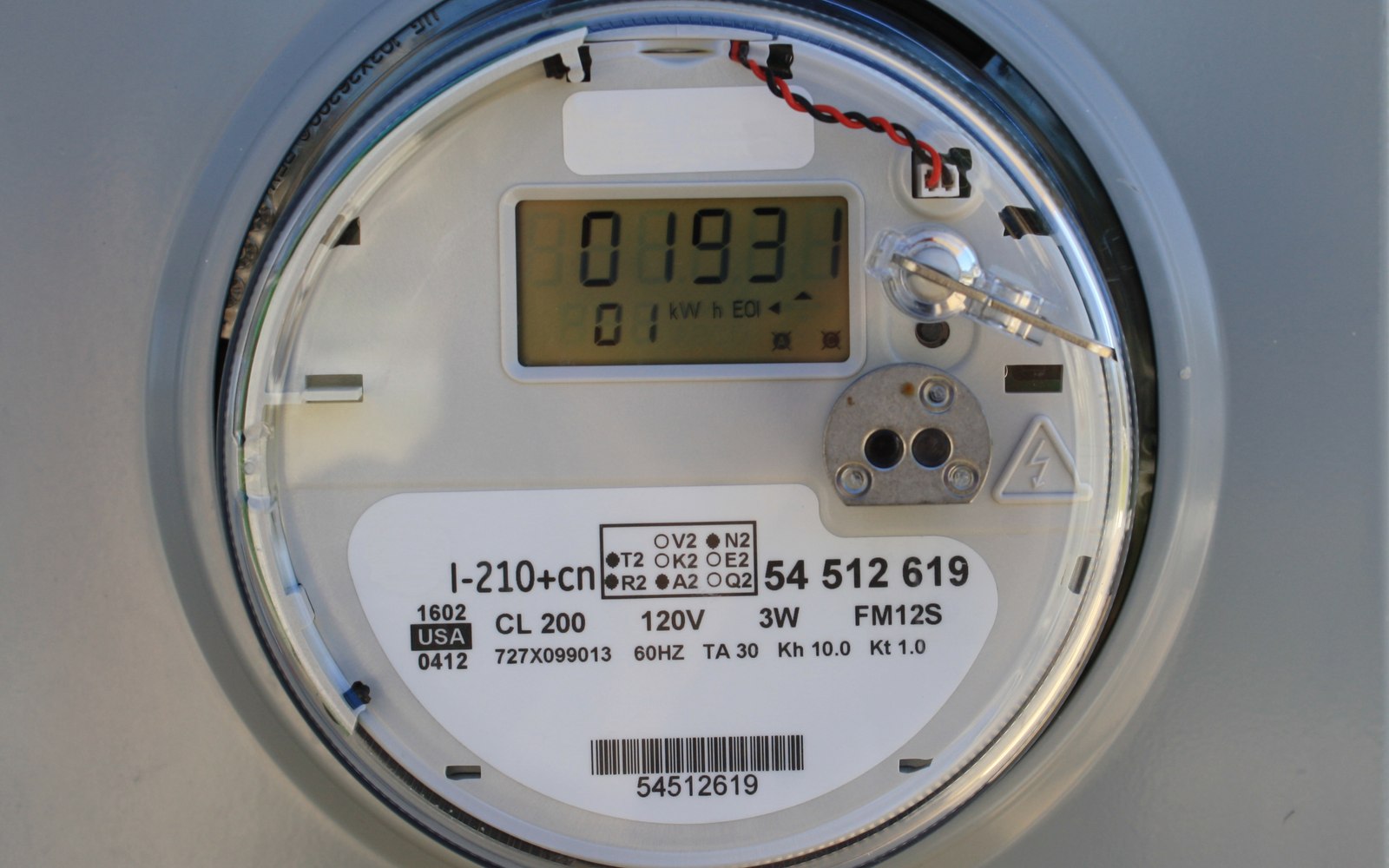
Whole-home monitors reveal patterns, not guaranteed savings. This guide explains what they can detect, where they guess, and when a simpler plug-in meter is enough.
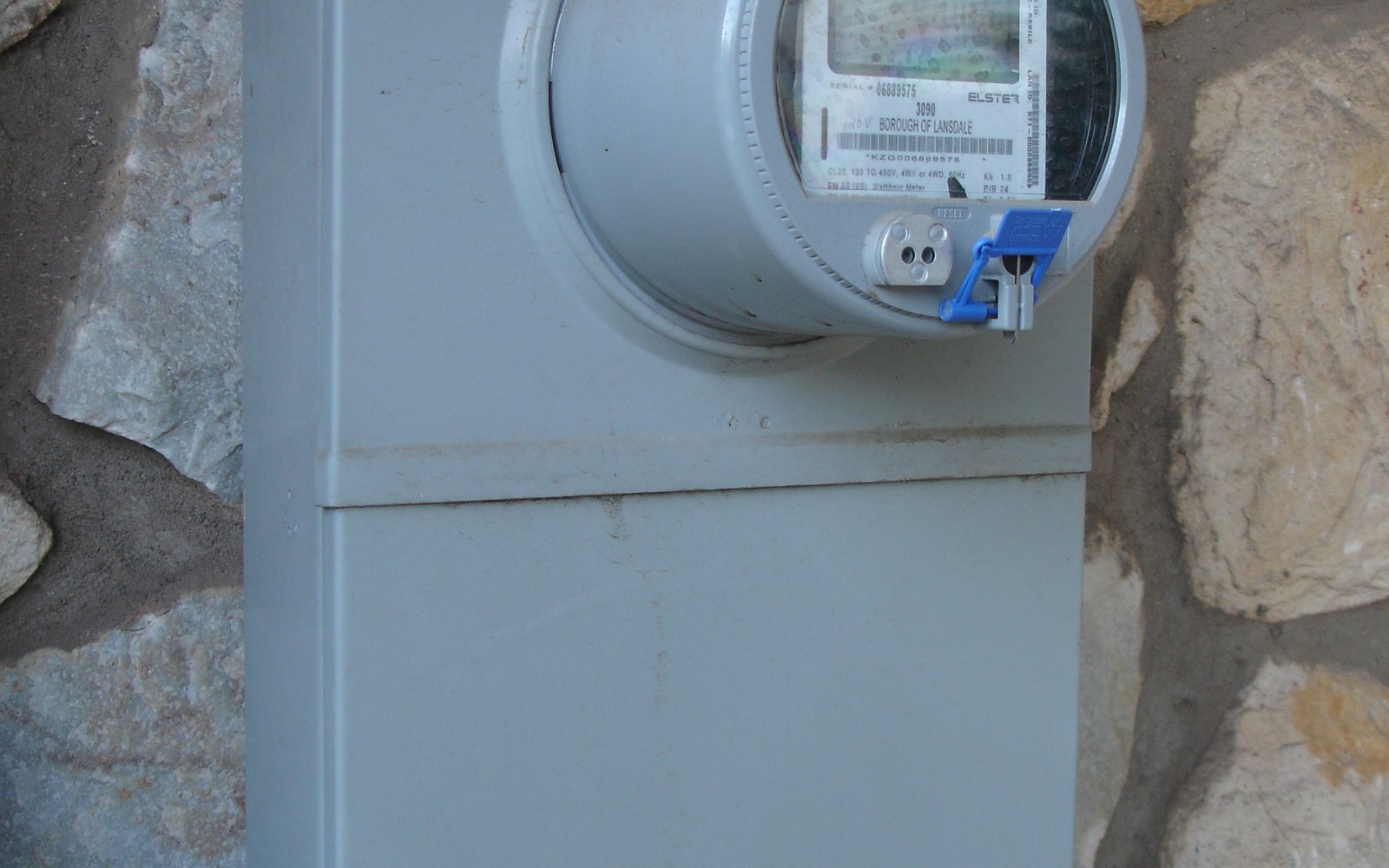
How to Track Standby Power Without Turning Your Home Into a Lab
Track standby power without turning the house into a lab. Start with a few suspect devices, measure normal routines and ignore readings that do not change a decision.
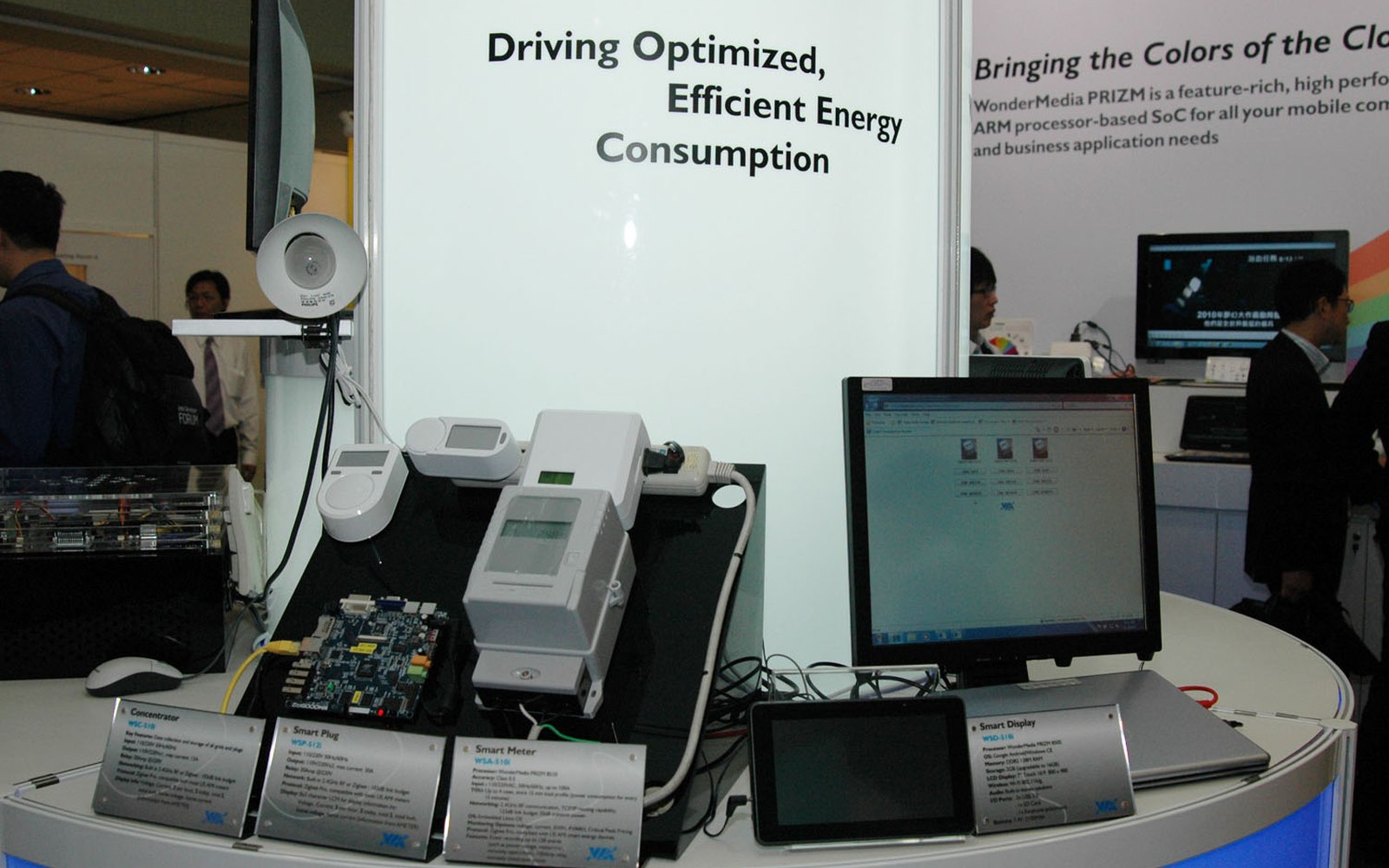
Energy Monitor Buying Checklist for Renters and Homeowners
Renters and homeowners need different evidence from energy monitors. Use this checklist to match display type, installation limits and data detail to the action you can take.